pCloud
For people who want a choice between subscriptions and a one-time lifetime payment.
The catch: client-side Encryption is listed separately from the storage plans.[3]
Cloud storage comparison
All three can store files online, but they package privacy and pricing differently. pCloud has monthly, annual and lifetime billing.[6] Sync.com puts end-to-end encryption at the center of its service.[8] Icedrive includes zero-knowledge encryption with paid plans.[10] The right fit depends on which trade-offs you can live with.
Start with the compromise that bothers you least. A separate encryption add-on, a higher annual bill or a more limited free plan may matter more than an extra feature you never use.
For people who want a choice between subscriptions and a one-time lifetime payment.
The catch: client-side Encryption is listed separately from the storage plans.[3]
For people who want end-to-end encryption across their cloud files without a separate Crypto folder decision.
The catch: introductory prices renew at the regular rate.[7]
For people comparing a 1 TB annual plan with client-side encryption included.
The catch: the free plan has no crypto or file history.[10]
These are regular US-dollar prices checked on 31 October 2026. Introductory discounts are excluded. Taxes, currency and regional offers can change the total you see.
On a small screen, scroll the table sideways. The paid plans are examples, not equivalent storage tiers.
| Feature | pCloud | Sync.com | Icedrive |
|---|---|---|---|
| Example paid plan | Premium 500 GB$4.99 monthly or $49.99/year[1] | Personal 1 TB$16 monthly or $144/year[7][8] | Pro Mini 1 TB$7.99 monthly or $71.88/year[10] |
| Free storage | Starts at 2 GB. The beginner tutorial and referrals can unlock up to 10 GB.[2] | 5 GB of free personal storage.[9] | 10 GB, but no crypto or file history.[10] |
| Client-side privacy | Encryption adds a Crypto folder for client-side, zero-knowledge files. The Encryption page lists it separately at $229 lifetime before discounts.[3][4] | Sync says files are encrypted before leaving your device and it does not hold the decryption keys.[8] | Paid plans include client-side encryption and zero-knowledge privacy.[10] |
| Provider’s recovery wording | Premium plans can recover data from up to 30 days ago.[1] | Personal 1 TB includes 60-day trash history.[8] | Pro Mini 1 TB lists 30-day versions.[10] |
| Money-back terms | 14-day money-back guarantee for paid services.[5] | 30-day guarantee shown with Personal 1 TB.[8] | 30-day money-back guarantee for paid plans.[10] |
| Ways to pay | Monthly, annual or lifetime. “Lifetime” means 99 years or the account holder’s lifetime, whichever is shorter.[6] | Monthly or annual. Promotional pricing applies to the first year, then renews at the regular price.[7] | Subscriptions and one-time lifetime plans.[10][11] |
Trash history and file versions are related but different features. Read the provider’s current explanation before treating the recovery rows as identical. Check the checkout total and renewal date before paying.
Billing flexibility
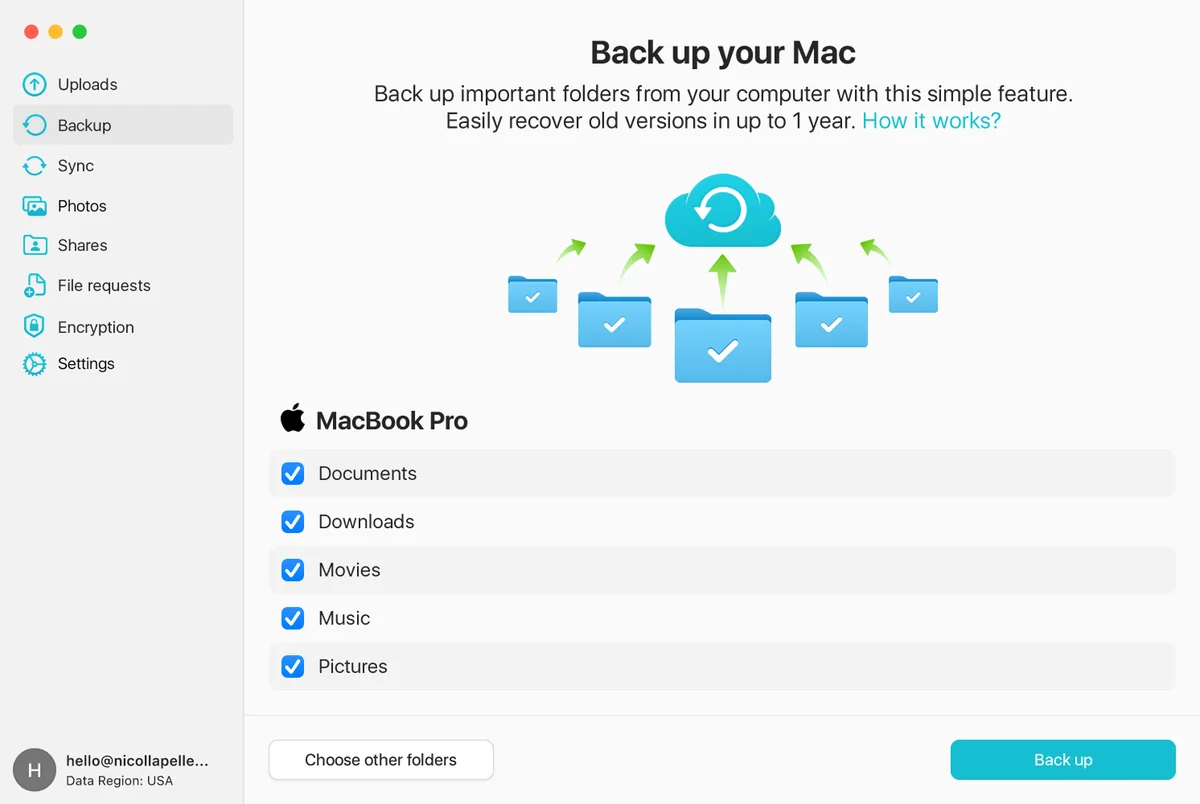
pCloud gives you three ways to pay. Its Premium 500 GB plan costs $4.99 month to month or $49.99 for an annual subscription in the price snapshot.[1] That monthly option is useful if a full year of storage feels like too much commitment.
The free account is less simple than the “up to 10 GB” label suggests. You start with 2 GB and unlock more through the beginner tutorial and referrals.[2]
pCloud’s standard storage and its zero-knowledge Encryption are not the same purchase decision. Enabling Encryption creates a Crypto folder for client-side encrypted files.[4] The separate Encryption page listed a $229 lifetime price, with a lower promotional price displayed when checked.[3] Check whether your chosen bundle includes it before comparing totals.
Promotional link to pCloud’s official website. Digital Analysis 24 may receive a commission. Review the provider’s current price, encryption cost and renewal terms.
End-to-end encryption
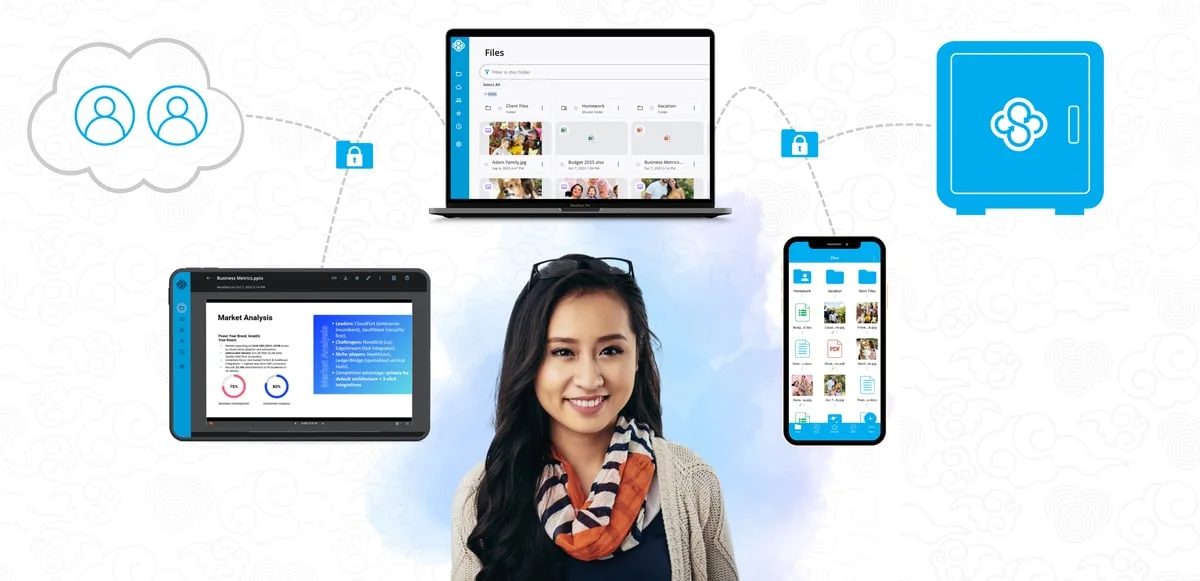
Sync’s privacy model is easy to understand. The company says cloud files are encrypted before they leave your device, and it does not have the keys to read them.[8] If you do not want to think about which folder gets stronger protection, that is a real advantage.
Personal 1 TB costs $144 for a regular annual term, shown as $12 per month. It includes 60-day trash history and a 30-day guarantee.[8] A free 5 GB plan is available for a smaller test.[9]
The headline offer may not be the renewal offer. Sync says first-year promotions renew at the regular price.[7] Its Personal Unlimited plan also deserves a careful reading: there is no capacity limit, but upload speed management may apply beyond 10 TB. Downloads remain full speed.[8]
Promotional link to Sync.com’s official website. Digital Analysis 24 may receive a commission. Introductory and renewal prices can differ; taxes may apply.
1 TB with encryption included
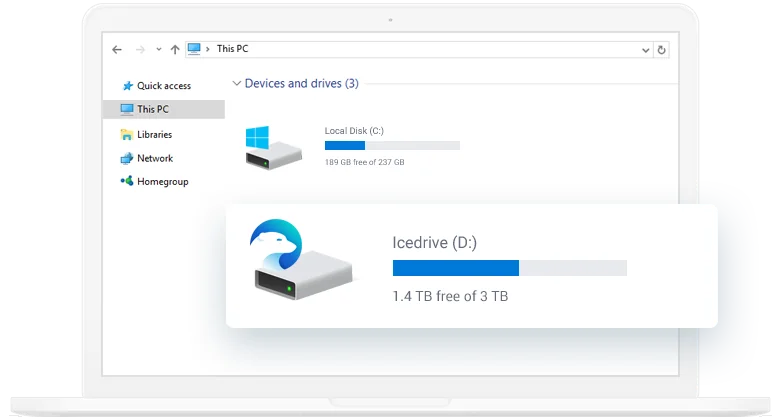
Icedrive’s US plan data listed Pro Mini 1 TB at $7.99 monthly or $71.88 per year. Paid plans include client-side, zero-knowledge encryption.[10] For readers comparing a 1 TB subscription, that combination is worth a look.
The Pro Mini tier lists 30-day versions, three sync devices and 200 GB of public transfer. Paid plans have a 30-day money-back guarantee.[10] Those device and sharing limits matter more than a big storage number if you use several computers or share large files often.
The free 10 GB account has no crypto or file history.[10] Do not use it to judge the paid privacy features. Icedrive also serves different currencies and prices by region, so treat the figures here as a US-dollar snapshot rather than a universal quote.
Promotional link to Icedrive’s official website. Digital Analysis 24 may receive a commission. Local currency, introductory offers, device limits and renewal terms can differ.
We read official pricing, security, help and terms pages on 31 October 2026. Every price and product claim in the table links to a numbered source below.
We used regular US-dollar rates because a discounted first year can hide the renewal bill. We did not run speed tests, test uptime or claim to have used the apps. There are no star ratings, customer quotes or made-up test results.
The recommendations are our judgment from the documented features. They are not provider statements, and no provider bought a position in this comparison.
A few boring checks can prevent an annoying subscription. Do these before moving an entire photo library or document archive.
Check the disk space your documents, photos and videos actually use. Paying for spare capacity can be sensible. Paying for several terabytes without a reason is just clutter on your bank statement.
A monthly equivalent is not always a monthly bill. Annual plans charge for the term. Look for the checkout total, the renewal price and the cancellation route before entering card details.
Upload something non-sensitive, delete a test file and restore it. Also check the apps on your own devices. If recovery is confusing now, it will be worse when you need an old file urgently.
Do not let one cloud account hold the only copy of irreplaceable files. Zero-knowledge protection has a trade-off too: pCloud explicitly warns that a lost Crypto passphrase cannot be recovered.[5] Store recovery details carefully and keep an independent backup.
Pick pCloud for payment choice, Sync.com for its end-to-end encryption model, or Icedrive for a 1 TB subscription with client-side encryption included. None of those picks is universal.
If you only need a small free account, compare the limits first: pCloud starts at 2 GB, Sync offers 5 GB, and Icedrive’s 10 GB free plan leaves out crypto and file history.[2][9][10] A free plan is useful for testing the interface. It is not a reason to trust a service with your only backup.
Official provider pages used for the prices, plan limits, encryption descriptions and refund terms above. Links open the provider’s current page, which may have changed since our check.